Start with the photo you’re trying to crop
I want a window where I can pick a photo, see three previews, move the crop, and download the results. Claude can create an interactive panel alongside the conversation. It calls that an artifact. For the first test, I’d use a fictional image without people or private information.
Create an interactive artifact for cropping a photo I select.
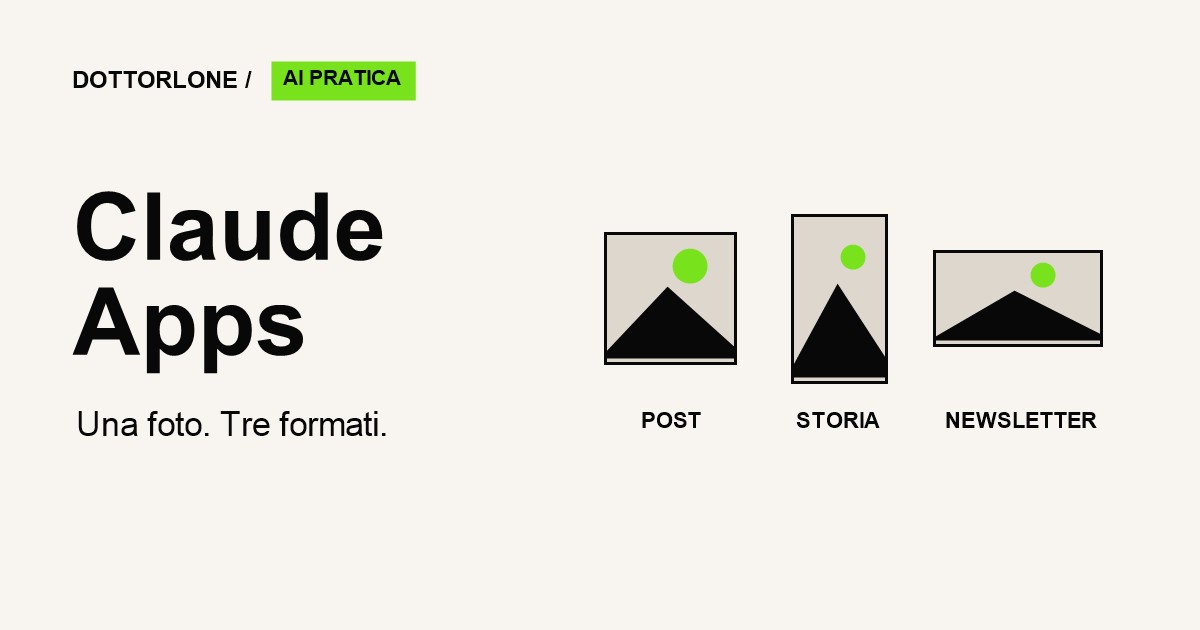
Show three previews: square 1080 × 1080, vertical 1080 × 1920, and wide 1200 × 675.
Preserve the image proportions, crop the excess, and let me position each crop independently.
Let me download each crop as a PNG with the format in the file name.
Process only the selected file in the panel. Do not upload it to a server, use connectors, or ask for full computer access.Move it from the chat to your desktop
Open the artifact in Claude Desktop. Once you’re happy with the previews, open its menu or the Share menu, choose “Install as app,” and confirm. The next time you have a photo, open the tool from its icon. It has a dedicated window and follows edits to the original artifact.
The beta includes the Free plan and requires Claude for Mac or Windows, version 6.28899.0 or later. You need to be online and signed in to Claude Desktop to open the app. If the command is missing, check the version, staged rollout, and your organization’s settings if it’s a work account. This example only needs the image you select in the panel. You can decline a request for full computer access.
If you sell the crop, your next competitor might be the customer
The difference shows up the second time around. I can open the same window with my three formats already set up. I don’t have to open the conversation and explain the task again. For a SaaS product, software you use over the internet and often pay for by subscription, renewal can become harder to justify if the customer only uses one simple feature and can build it themselves.
The calculation changes if the service has become the place where the team works. A new colleague finds the logos and templates. The person signing off knows which draft is final. If you switch, someone still needs to keep, share, and update those files. The little app you built needs maintenance too, and it still relies on Claude to open.
| Work to cover | How to recognize it |
|---|---|
| One task you repeat | Choose a photo, crop it, and download three files. |
| A service the team relies on | Next week everyone can still find the same templates and the approved draft. |
Try a case where something can go wrong
Use a 1600 × 1200 image with a subject near the right edge. A centered vertical crop can lose it. Move the crop to the right, download the files, and check three things. The subject is visible in the vertical crop, the images aren’t stretched, and the files have the requested dimensions. Do it again after opening the app from its desktop icon.
Then pick one operation you really do every week. Time it and ask who will maintain the app when a format or a rule changes. That’s the comparison to make before giving up your current service.